5 Ways Google's Offline AI App Just Got More Powerful
Google's AI Edge Gallery has long been a standout tool for running AI models directly on your device, offering privacy and offline functionality. At the recent I/O developer conference, the search giant unveiled a suite of enhancements that make this app even more compelling. These updates aren't just incremental—they bring practical features like chat history, notification reminders, and a revolutionary new protocol for interacting with other apps. Whether you're a privacy enthusiast or a productivity geek, here are five things you need to know about the latest AI Edge Gallery updates.
1. On-Device AI for Ultimate Privacy
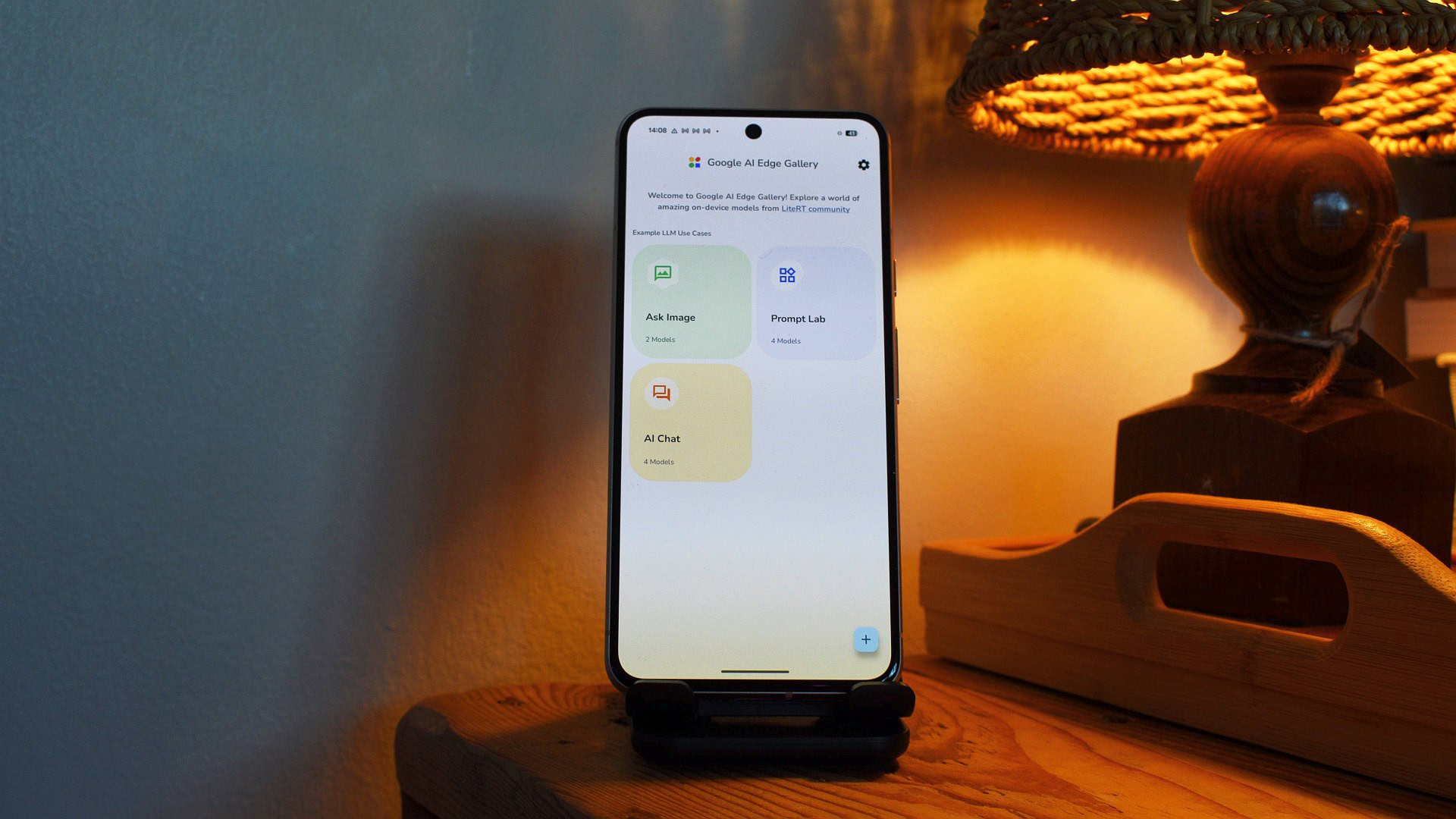
Before diving into the new features, it's worth revisiting what makes AI Edge Gallery special. This app lets you download and run AI models directly on your phone or tablet, bypassing the cloud entirely. That means no data leaves your device, so sensitive conversations, personal photos, and private documents stay under your control. It's a game-changer for anyone concerned about digital privacy, as you get powerful AI assistance without sacrificing security. The app supports a range of models, from language processors to image analyzers, all running locally. With the latest updates, Google doubles down on this philosophy by adding features that enhance usability without compromising on-device processing.
2. Chat History That Actually Helps
One of the biggest frustrations with on-device AI apps has been the lack of continuity. Previously, closing the app meant losing your whole conversation. Now, AI Edge Gallery introduces a chat history feature that saves your interactions locally. You can pick up right where you left off, whether you're brainstorming ideas, getting cooking advice, or troubleshooting code. The history is stored on your device, not in the cloud, so your privacy remains intact. It's a simple addition, but it transforms the app from a one-shot tool into a persistent assistant. For power users, this means no more retyping context; for casual users, it's a welcome convenience.
3. Notification Reminders You Can't Miss
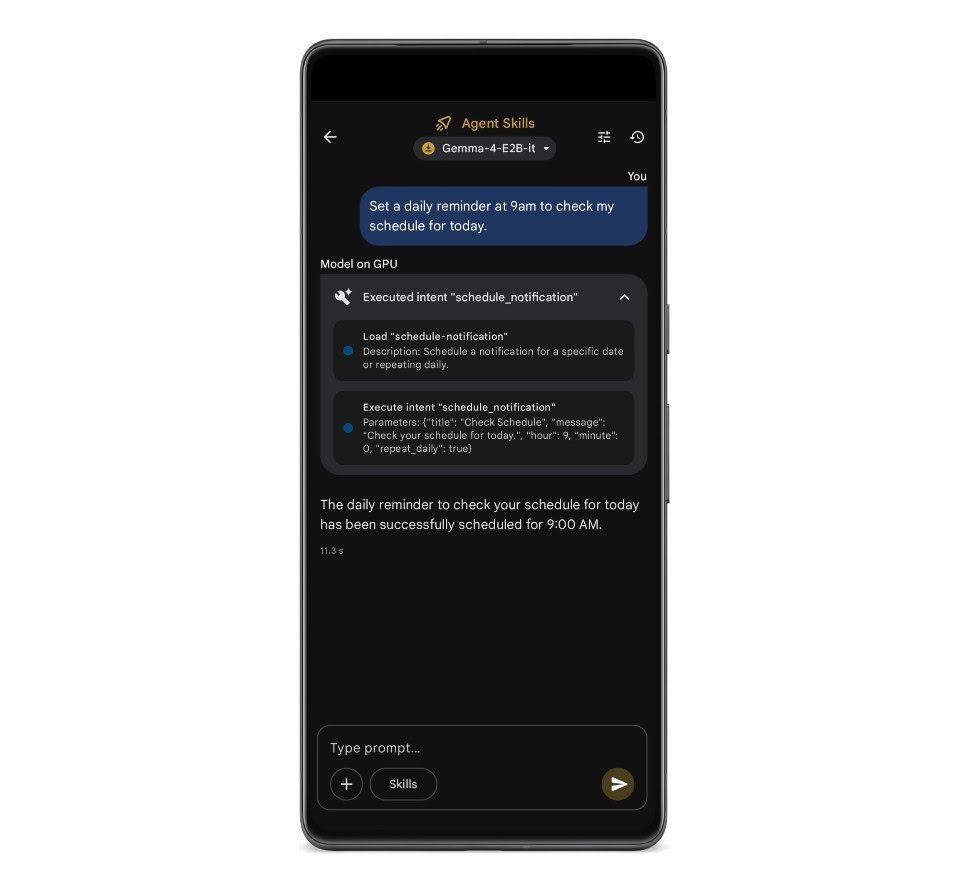
Another clever addition is notification reminders. Let's say you ask the AI to remind you to buy groceries at 5 PM. The app now schedules a notification that pops up on your phone, even if you're using other apps. This leverages the device's notification system to keep you on track. Because everything is processed locally, the reminder doesn't require an internet connection—it's all handled by your phone's native functions. It's like having a tiny, smart assistant that respects your schedule without needing to phone home. For busy professionals and forgetful folks alike, this feature turns AI Edge Gallery into a proactive productivity hub.
4. Model Context Protocol (MCP) for App Integration
The most significant upgrade is support for the Model Context Protocol (MCP). This open-source standard lets your on-device AI models talk to other apps and services in a consistent way. Think of it as a universal translator for AI—instead of each app needing its own custom interface, MCP provides a shared language. You can set up an MCP server on your home computer or use one in the cloud, and then your phone's AI can fetch data from that server. For example, you could ask the AI to check your calendar or pull up a document stored on your home PC, all without sending data to Google's servers. This opens up a world of possibilities for automation and cross-app workflows, while maintaining privacy and local control.
5. Seamless Ties with Google Services
With MCP in place, AI Edge Gallery can now interact with popular Google services like Maps and Gmail. Imagine asking your on-device AI to find the nearest coffee shop using Maps, then adding the address to an email draft—all without ever touching the cloud. Because MCP handles the communication locally (or through a private server), your queries remain confidential. This integration is a huge step forward for the app, transforming it from a standalone chatbot into a central hub for controlling your digital life. While the feature is still rolling out, early adopters can already experiment with custom MCP servers to link their AI to any service that supports the protocol. The potential for productivity and convenience is enormous.
In summary, Google's AI Edge Gallery is no longer just a privacy-focused AI sandbox—it's a full-featured assistant that remembers your chats, sends reminders, and connects with the apps you use every day. The addition of chat history, notification reminders, and MCP support make it a compelling choice for anyone who wants powerful AI without giving up control. As more developers build MCP servers, the ecosystem will only grow richer. If you haven't tried AI Edge Gallery yet, now is the perfect time to see what on-device AI can really do.