Samsung One UI 9 Beta: What You Need to Know About the Android 17 Update
Samsung has officially kicked off the first beta program for One UI 9, bringing Android 17 to select Galaxy devices. Early reports from the changelog suggest that this initial release is remarkably light on new features—unsurprising for a first beta, which often focuses on stability and under‑the‑hood improvements. Below we break down the key questions about this rollout in an easy‑to‑scan Q&A format.
1. What is One UI 9 and how does it relate to Android 17?
One UI 9 is Samsung’s custom skin layered on top of Android 17, the next major version of Google’s mobile operating system. While Android 17 provides the core system enhancements—improved privacy controls, better battery management, and new developer APIs—One UI 9 adds Samsung’s signature design language, app customizations, and Galaxy‑exclusive features. Think of One UI as the bridge between raw Android and the tailored experience you get on a Galaxy phone. In this beta, the Android 17 base is present, but most Samsung overlays are still being refined, so the changelog concentrates on system‑level fixes rather than flashy user‑facing additions.
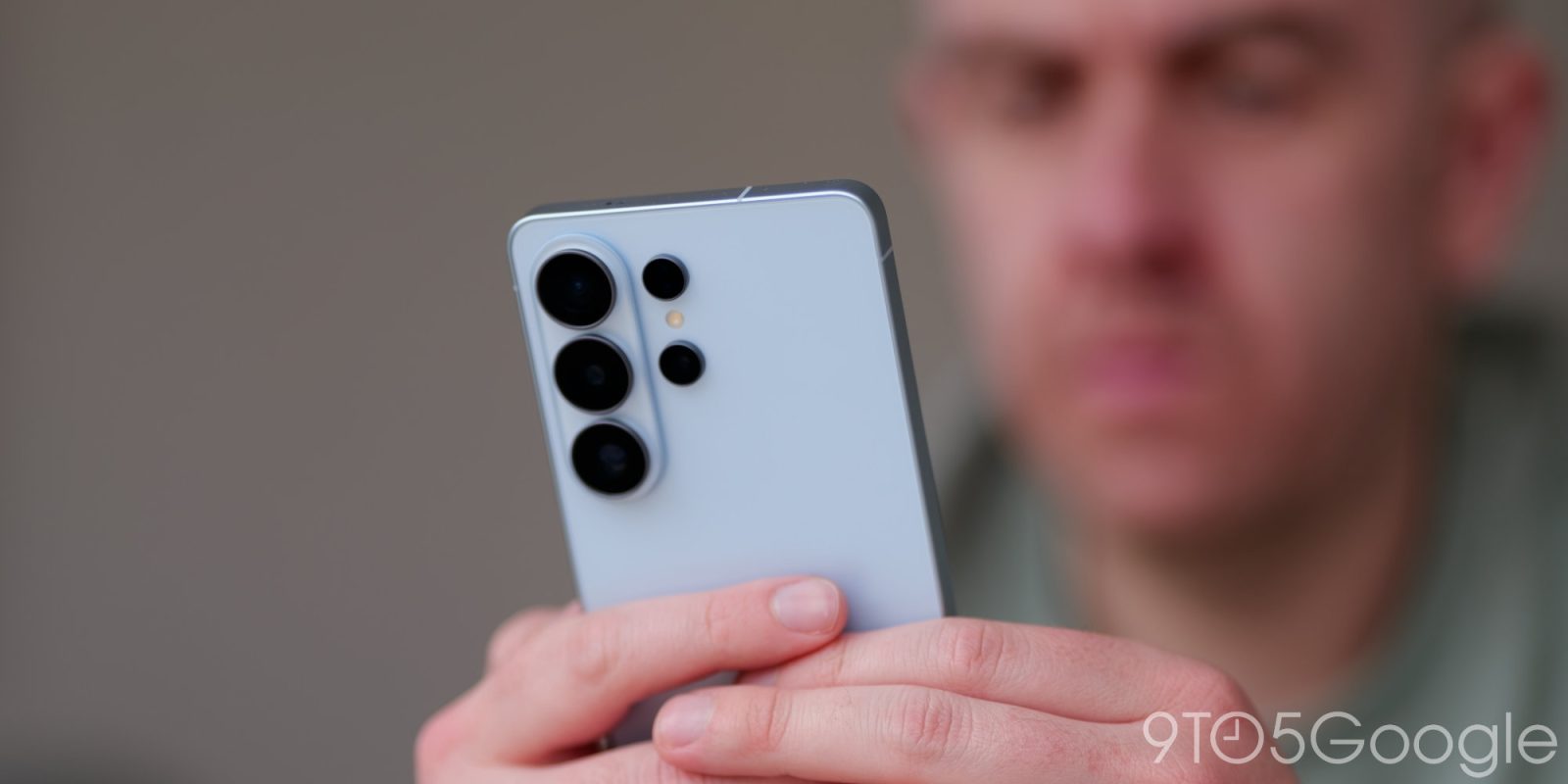
2. When will the first beta of One UI 9 be available?
Samsung has started seeding the first One UI 9 beta update to participants in its beta program. The rollout began in select regions (South Korea, the United States, and parts of Europe) and is expected to expand over the following weeks. This is a typical pattern for Samsung: early betas are limited to a few countries to gather initial feedback, then widened as stability improves. If you own an eligible Galaxy device, you can check the Samsung Members app for availability. The stable public release likely won’t arrive until several months after the beta cycle concludes, possibly aligning with the launch of the next Galaxy flagship.
3. What does the changelog for the beta reveal?
According to early reports, the changelog for the first One UI 9 beta is surprisingly brief. It mentions that Android 17 is now the underlying operating system, but lists only a handful of minor tweaks: improved system stability, a few bug fixes for Wi‑Fi and Bluetooth connectivity, and an update to the security patch level. There are no mentions of major new user interface changes, new apps, or signature One UI features such as DeX enhancements or advanced camera modes. This sparse changelog suggests that Samsung is prioritizing core stability and compatibility testing before layering on their customizations in later beta iterations.
4. Why is the initial changelog so sparse?
First beta releases are traditionally conservative. Samsung’s focus here is to ensure that the fundamental Android 17 build runs smoothly on Galaxy hardware—testing drivers, power management, and app compatibility. Most of the distinctive One UI flourishes (such as the revamped notification panel, new icon packs, or gesture improvements) typically debut in later beta phases. The current “light” changelog is actually a positive signal: it indicates that Samsung is taking a cautious, quality‑first approach to avoid the instability that plagued earlier beta launches. Users can expect much richer features to appear once the core foundation is validated.

5. Which Galaxy devices will get the One UI 9 beta first?
Samsung historically kicks off its beta program with the most recent flagship series. For One UI 9, the Galaxy S25 series (S25, S25+, S25 Ultra) is leading the pack, followed by the Galaxy Z Fold 7 and Z Flip 7 foldables. Older flagship models—such as the Galaxy S24 and S23 families—will likely join the beta in later waves, but Samsung has not yet published a full device roster. To stay updated, regularly check the Samsung Members app or official community forums; device eligibility is often announced there first. Note that carrier‑locked models in some regions may face additional delays.
6. What new features might we expect in later betas?
Based on Samsung’s update history and the Android 17 base, later One UI 9 betas will probably introduce a redesigned Quick Settings panel, deeper integration with Samsung’s ecosystem (e.g., seamless file sharing with Galaxy Books, improved SmartThings controls), and camera app enhancements leveraging new Android camera APIs. Privacy features from Android 17—like per‑session screenshot permissions and refined location controls—will likely be wrapped into One UI’s interface. Additionally, Samsung often adds AI‑powered features, such as smarter photo editing and battery optimization hints. These are expected to appear in beta 2 or 3, once the core system is stable.
7. How can users enroll in the One UI 9 beta program?
To join the beta, you need a compatible Galaxy device (check question 5 for eligibility) and the latest version of the Samsung Members app. Open the app, tap the “One UI Beta Program” banner (or look under the “Notifications” tab), and register. After enrollment, your device will receive the beta update over the air, just like a regular system update. Keep in mind that beta software can be unstable, so back up your data before installing. If you encounter issues, you can revert to the stable One UI 8/Android 16 build via Smart Switch (though this will wipe your device). Samsung typically keeps the first beta open for a limited number of participants, so act quickly.